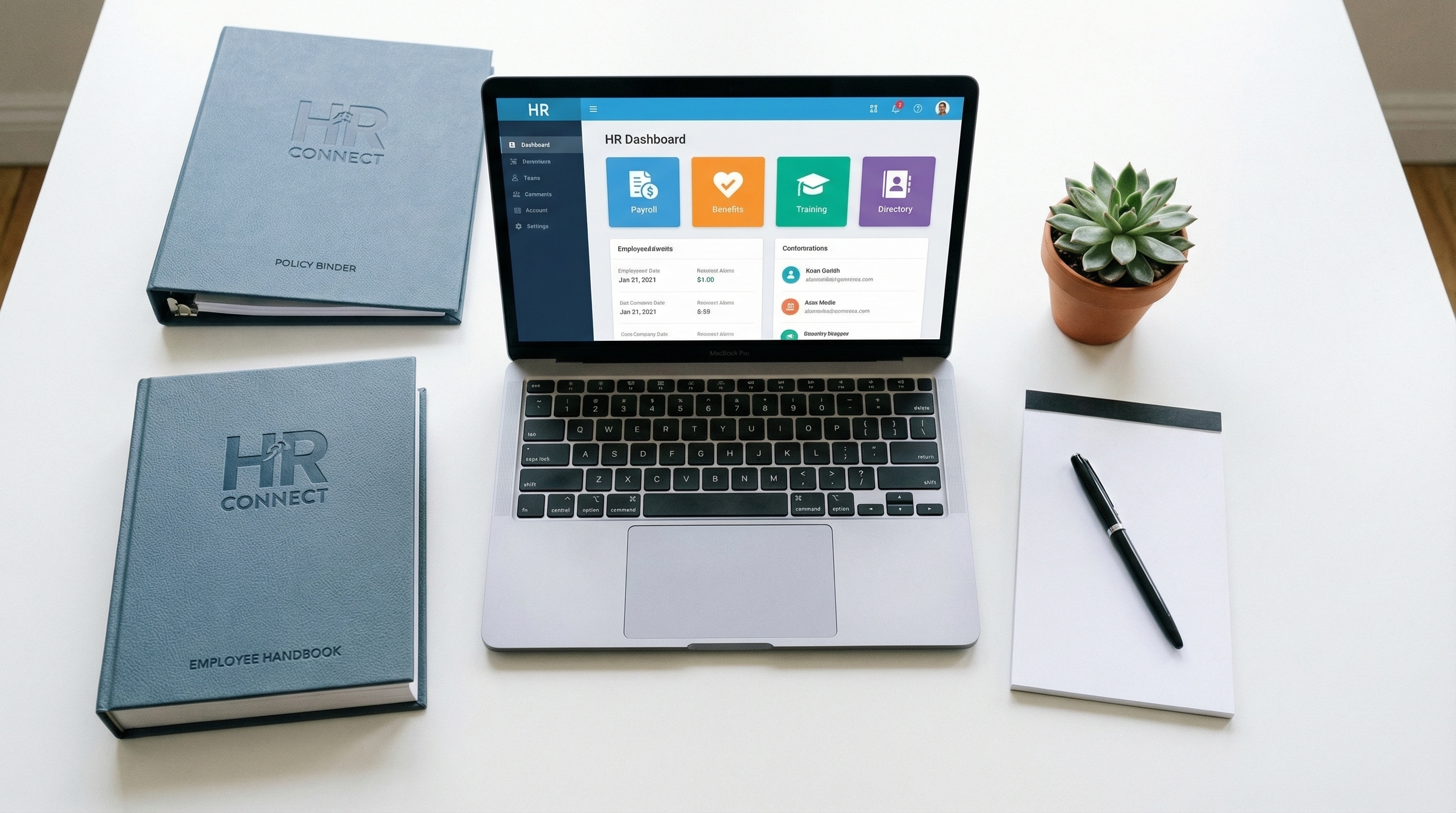
- 1.HRIS centralizes employee data and automates HR processes. For organizations with 50+ employees, it's essentially required for effective HR operations
- 2.Don't get hung up on terminology: HRIS, HCM, and HRMS are often used interchangeably. Focus on the functionality you need, not the label vendors use
- 3.Cloud-based solutions dominate the market and are the right choice for most organizations. Lower upfront cost, automatic updates, and the vendor handles security and maintenance
- 4.Total cost of ownership extends well beyond the license fee. Implementation, training, integrations, data migration, and internal team time often exceed the software cost in year one
- 5.Employee self-service reduces HR's administrative burden, but only if the interface is intuitive enough that people actually use it instead of emailing you anyway
$15.2B
HR Tech Spending in 2024
23
Avg HR Tech Apps Per Company
80%
Orgs Use Some Form of HRIS
3-6 mo
Typical HRIS Implementation
What's HRIS?
A Human Resource Information System is software that centralizes employee data and automates HR processes. At a minimum, HRIS manages employee records, but modern systems integrate payroll, benefits administration, time tracking, recruiting, and performance management into unified platforms that serve as the system of record for everything people-related.
You'll hear the terms HRIS, HCM, and HRMS used interchangeably, and the distinctions vendors draw between them are mostly marketing. Traditionally, HRIS refers to core record-keeping and transaction processing. HCM (Human Capital Management) adds strategic talent management like recruiting, performance, and succession planning. HRMS is essentially synonymous with HRIS. Don't get hung up on terminology. Focus on whether the system does what you need it to do.
Manual HR processes using spreadsheets and paper files don't scale. They're inefficient, error-prone, and create compliance risk. HRIS automates routine transactions, reduces data entry errors, ensures compliance deadlines aren't missed, and provides the data foundation for workforce analytics. For organizations with 50 or more employees, some form of HRIS is essentially a requirement for running effective HR operations.
Core HRIS Functionality
The employee database is your single source of truth for all employee information: demographics, job history, compensation, skills, and certifications. Everything else builds on this foundation. Look for customizable fields that match your data needs, document storage capabilities, and audit trails that track who changed what and when.
Benefits administration handles enrollment management, eligibility tracking, life event processing, and carrier connections. A good benefits module reduces errors during enrollment and termination and integrates with insurance carriers through EDI feeds. It should also support compliance requirements like COBRA administration and ACA tracking.
Time and attendance tracking covers time recording, scheduling, PTO management, and absence tracking. This is critical for FLSA compliance and FMLA administration. Look for mobile clock-in options for distributed workforces, overtime alerts that prevent wage and hour violations, and seamless integration with payroll.
Payroll integration should be either built-in or tightly connected with your payroll software. Data flows from time and attendance records through benefits deductions and tax withholdings to produce accurate paychecks. Look for multi-state tax support if you have employees in multiple states, direct deposit, and automated W-2 and W-4 management.
Compliance support includes I-9 management, E-Verify integration, EEO reporting, ACA tracking, and OSHA log maintenance. Automated reminders for certification renewals, performance review deadlines, and compliance training due dates help you stay ahead of requirements. This is essential for audit readiness.
Advanced HRIS Modules
Recruiting and ATS functionality handles job posting, applicant tracking, and candidate management. Some HRIS platforms include full ATS functionality while others integrate with standalone applicant tracking systems. The key requirement is seamless data flow from candidate to employee so you're not re-entering information at hire.
Digital onboarding modules manage workflows, document collection, and task tracking for new hires. They reduce first-day paperwork and ensure every new employee gets a consistent experience. See onboarding checklist for the process elements your system should support.
Performance management modules support goal setting, performance reviews, feedback, and calibration. These range from basic annual review templates to continuous performance management platforms. Look for flexibility to match your organization's performance philosophy rather than forcing you into the vendor's predetermined approach.
Learning management modules handle training assignment, completion tracking, and compliance training administration. This is critical for organizations with mandatory training requirements. Some platforms include training content while others integrate with external learning management systems.
HR analytics modules provide dashboards, reporting, and workforce analytics that transform HR data into actionable insights. Look for standard reports covering turnover, headcount, and demographics, plus custom reporting capabilities that let you answer the specific questions your leadership team is asking.
Source: SHRM HR Technology Survey 2024
Market Segments
For small businesses under 100 employees, platforms like Gusto, BambooHR, Namely, and Rippling focus on ease of use and rapid implementation. Most include payroll and are priced per-employee-per-month. They get you up and running quickly but may lack the advanced features you'll need as you grow past 200-300 employees.
Mid-market organizations with 100-1,000 employees look at Paylocity, Paycom, UKG Ready, Ceridian Dayforce, and ADP Workforce Now. These offer more configuration options, stronger analytics, and better compliance tools. Implementation takes longer but provides more flexibility to match your specific processes and workflows.
Enterprise organizations with 1,000+ employees evaluate Workday, SAP SuccessFactors, Oracle HCM Cloud, and UKG Pro. These provide comprehensive functionality including global capabilities and advanced analytics. Implementation is a significant investment, 6-18 months, with annual licensing plus professional services fees.
Some organizations prefer specialized best-of-breed solutions with separate tools for each HR function integrated together. This approach provides the strongest functionality in each area but increases integration complexity. Most organizations are now favoring integrated platforms, though enterprises may maintain best-of-breed for specific functions where specialized capability is critical.
Selection Criteria
Start with functionality fit. Document your required versus nice-to-have features before talking to vendors. Don't pay for modules you won't use. Consider future needs: will you need recruiting, performance management, or global capabilities in 2-3 years? But ensure the core functionality is solid before getting excited about advanced features you're not ready for.
Ease of use matters because HR staff, managers, and employees will interact with this system daily. Poor user experience drives workarounds and reduces adoption, which undermines the entire investment. Request hands-on demos with your actual team members. Test employee self-service, manager approval workflows, and admin configuration, not just the recruiter's polished demo.
Evaluate implementation and support carefully. What's included in implementation services and what costs extra? Who configures the system, your team or theirs? How long does typical implementation take for organizations your size? What training is provided at go-live? What does ongoing support look like: phone, chat, dedicated customer success manager? What are their response time commitments?
Integration capabilities determine whether your systems work together or create data silos. What pre-built integrations exist with your current financial systems, payroll, ATS, and benefits carriers? Is there an open API for custom integrations? Are integration costs included or do they require additional fees? Integration is often the most underestimated aspect of any HR tech purchase.
Calculate total cost of ownership, not just the license fee. Include implementation costs, training, integrations, data migration, internal project team time, and ongoing customization. Get multi-year pricing because first-year deals are often heavily discounted. Ask references what they actually spent, including internal costs, versus what the vendor quoted.
Implementation Best Practices
Designate a project lead with dedicated time, not someone doing implementation on top of their regular job. Include representatives from HR, IT, payroll, and key business users on the project team. An executive sponsor helps remove barriers, enforce decisions when the team gets stuck, and maintain organizational commitment when implementation hits inevitable rough patches.
Clean your data before migration. Garbage in, garbage out is never more true than during a system transition. Document data mapping between old and new systems. Test migration thoroughly in a sandbox environment before touching production. Decide how much historical data you actually need in the new system versus what can be archived.
Configure first, customize later. Use the system's built-in options before investing in custom development. Heavy customization increases cost, extends implementation timelines, and complicates future upgrades. Document every configuration decision so you understand why things were set up the way they're when someone asks a year later.
HRIS implementation affects everyone in the organization, which makes change management critical. Communicate early and often about what's changing and why. Train all user groups: employees, managers, and HR staff each need different training. Provide support resources during the transition period. Monitor adoption after go-live and address resistance proactively rather than hoping it resolves itself.
Frequently Asked Questions
Sources
- 1.Bureau of Labor Statistics -- Occupational Employment Statistics — HR occupation salary and employment data (May 2024)
- 2.Society for Human Resource Management (SHRM) — HR industry research, benchmarks, and best practices
Related Resources

Taylor Rupe
Education Researcher & Data Analyst
B.A. Psychology, University of Washington · B.S. Computer Science, Oregon State University
Taylor combines training in behavioral science with data analysis to evaluate HR education programs. His research methodology uses IPEDS completion data, BLS employment statistics, and SHRM alignment data to produce evidence-based program rankings.